Best Vector Build for Delta Force
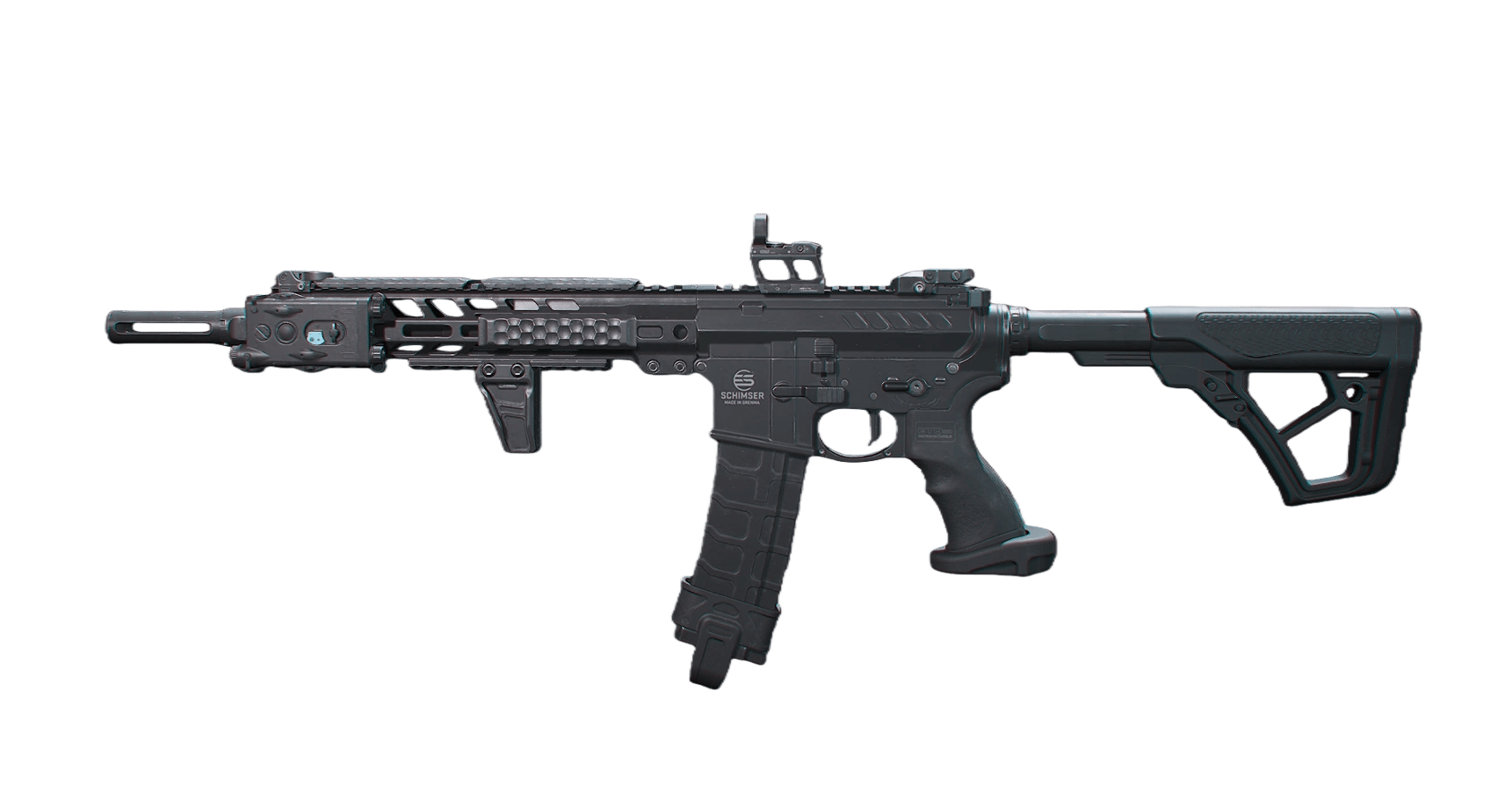
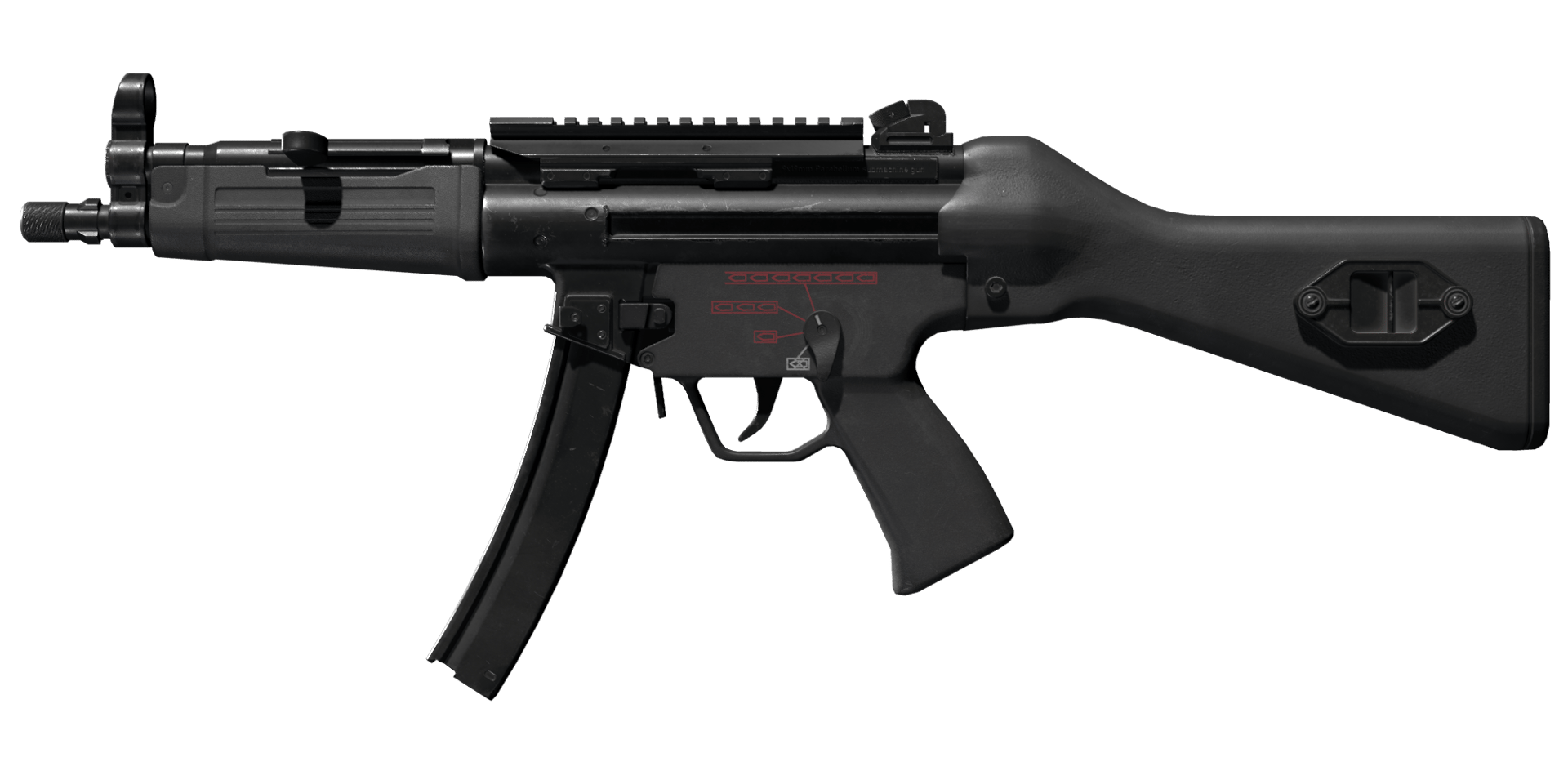
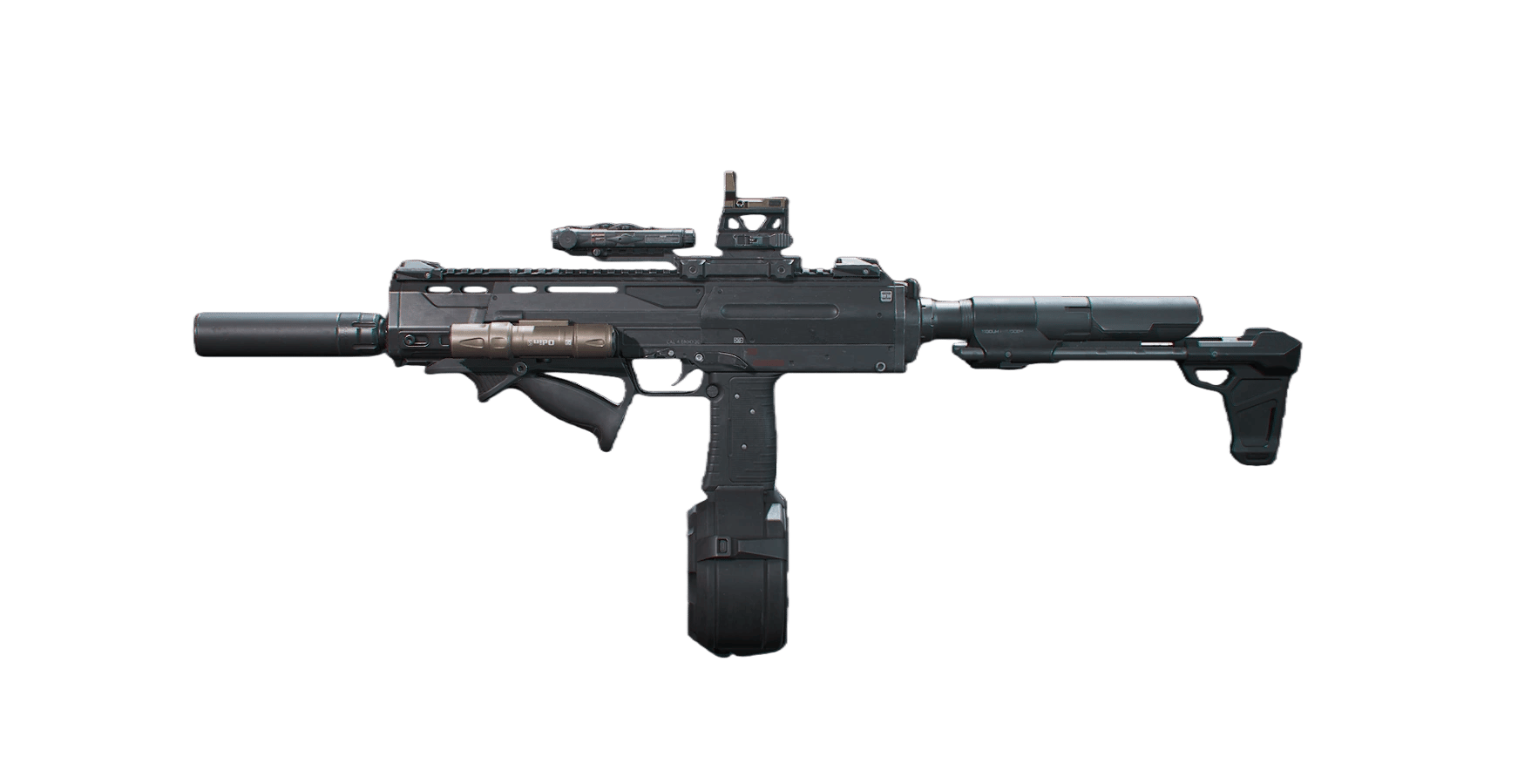
Vector has the highest DPS and fire rate in the game with a unique 'leg shot' playstyle. The leg shot build can kill in just 0.32 seconds.
GUNSMITH CODE
Full Build
Popular Build Options
Pick the build that fits you
 680,000
Full Build
ADS build with ultra-fast ADS speed combined with flashbang for blinding enemies
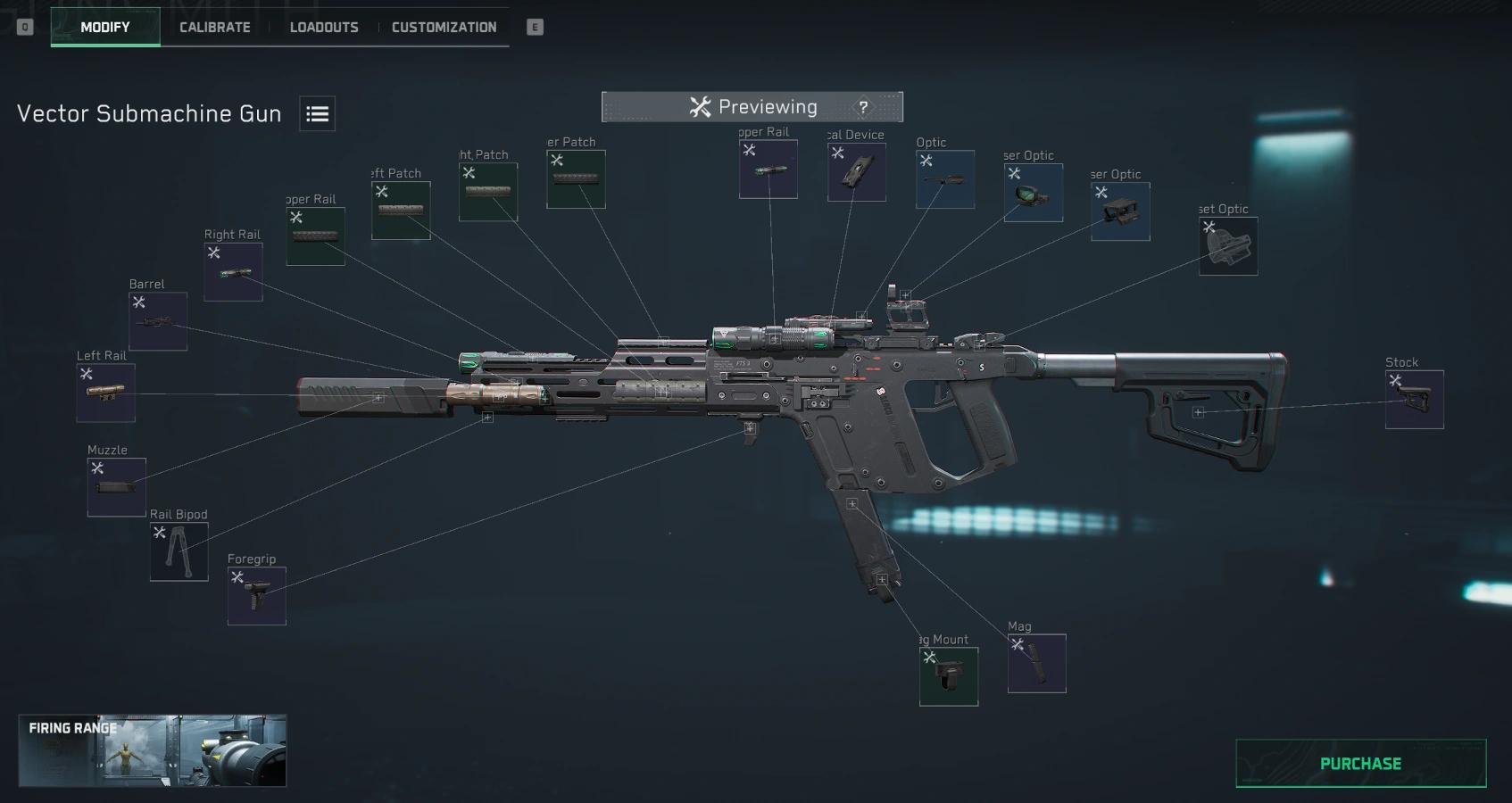
Vector Submachine Gun-Opera...How to Build Your Vector
Apply Your Vector Build in Three Simple Steps
Step 1 - Copy Build Code
Click the Copy Code button to copy the Vector build code to your clipboard.
Step 2 - Import in Game (Modify - Loadouts - Import)
Open Modify, select Loadouts - Import, paste the code, and apply to your Vector.
Step 3 - Purchase & Save
Purchase missing attachments in Modify, then save the loadout.
Frequently Asked Questions
Everything you need to know about mastering this weapon
Yes, with the leg shot playstyle. Six shots to the legs equals a guaranteed kill in 0.32 seconds—faster than even the M14.
Because Vector deals very high leg damage. By specifically aiming at enemy feet/legs, you can kill with just six shots to the legs.
You can, but it's painful. Sustain is severely limited and you'll run out of ammo in extended fights. Get the drum mag if you can afford it.
Vector's leg shots are faster but more extreme. M14 is more versatile with strong burst damage. Choose M14 for stability, Vector for maximum aggression.
It's challenging. Leg shot playstyle requires precise aim at legs, and without drum mag the sustain is poor. Start with other SMGs first.
Three simple steps: 1) Click the Copy Code button on any build card above. 2) In-game, open Modify - Loadouts - Import, paste the code, and apply it to your Vector. 3) Click Purchase to buy any missing attachments, then save the loadout. Done.