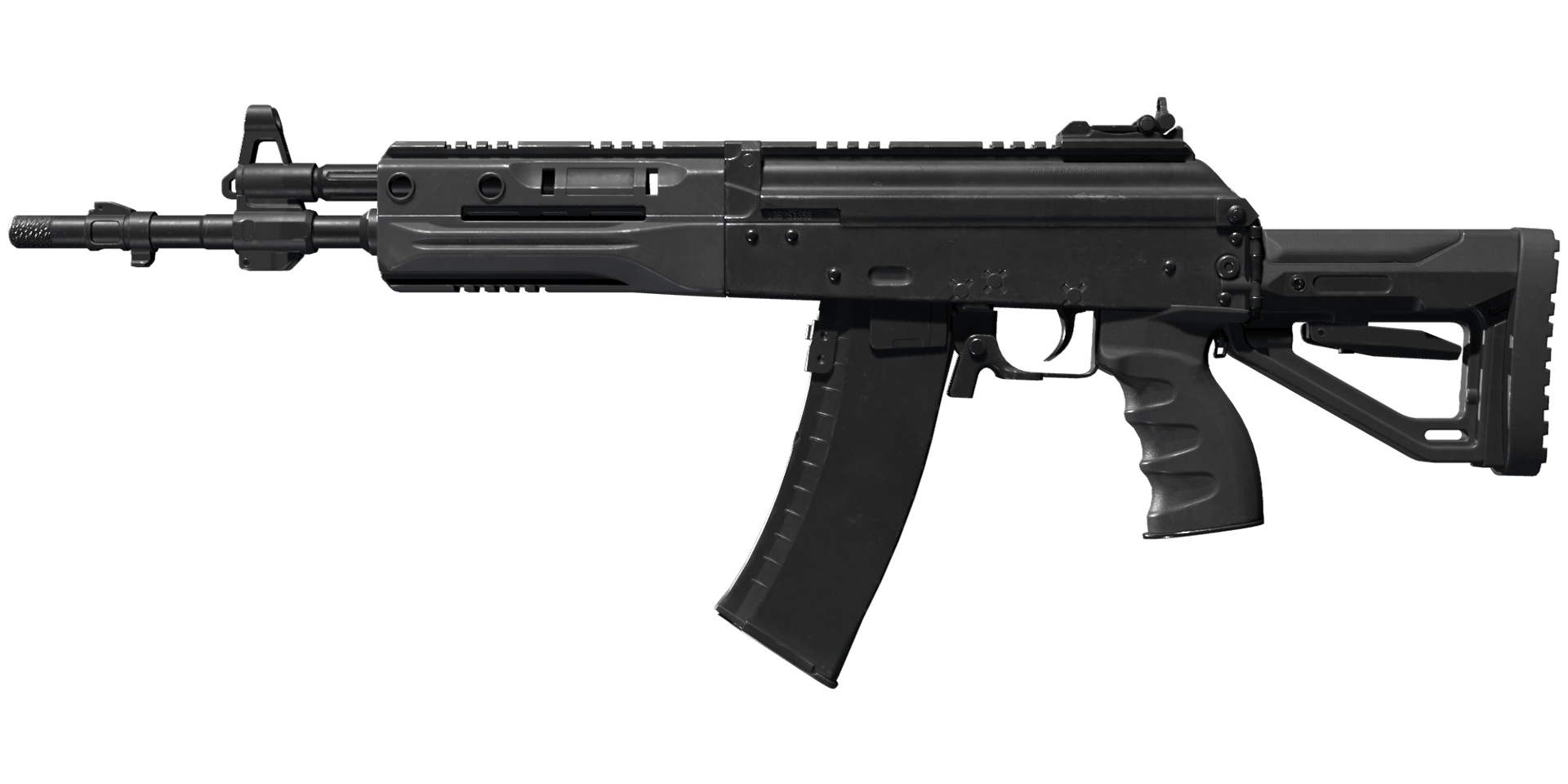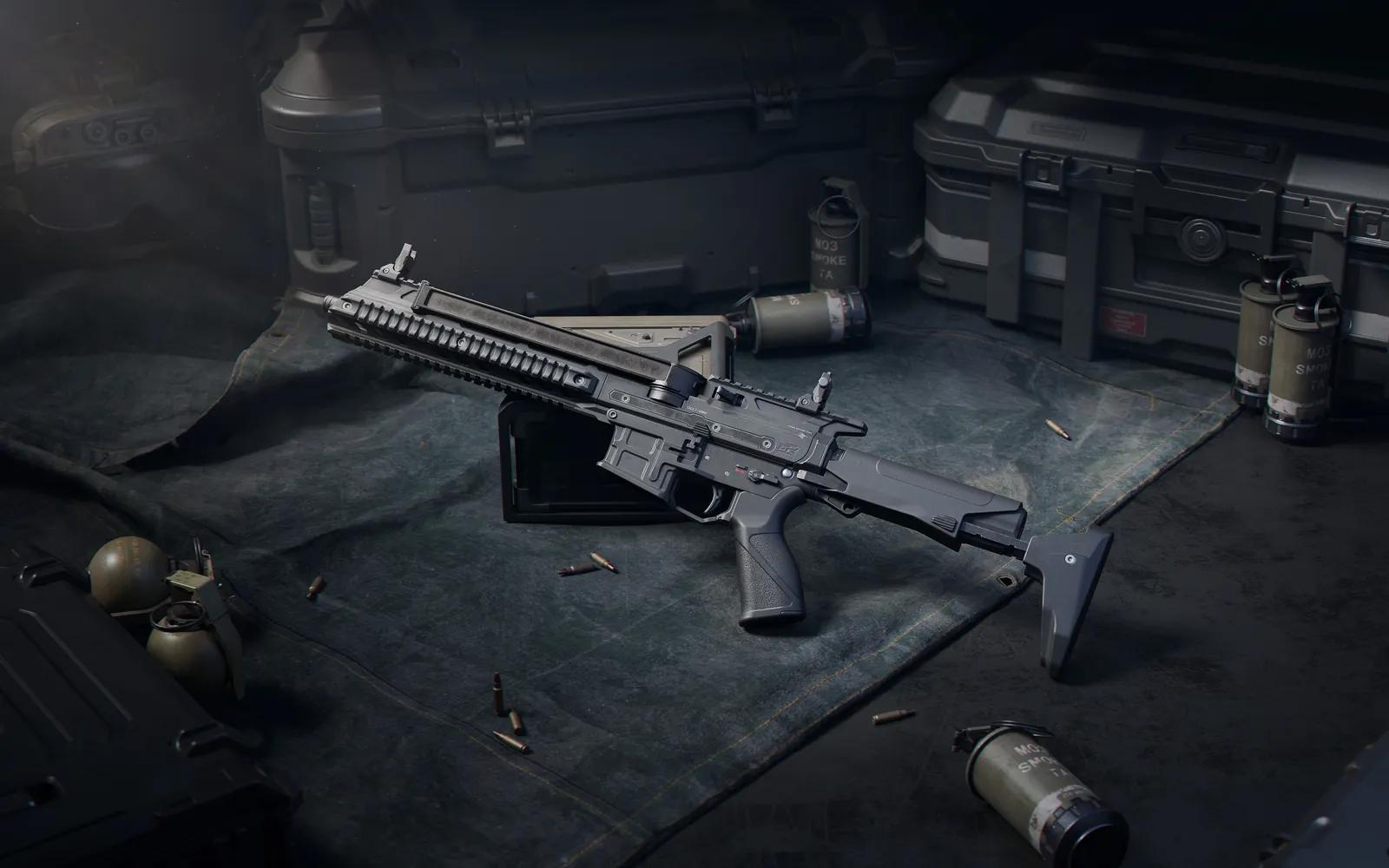
Best M7 Build for Delta Force
M7 took three Operations nerfs in 2026: the May 21 patch halved the Tidal Ultra-Long Barrel Combo's stability bonus (+6 → +3), and the June 30 update lowered base damage from 38 to 37, the Tidal combo's damage from 40 to 39 and the limb multiplier from 0.4x to 0.35x. Even so it is still SSS in S11 Operations tier lists — two headshots kill and it stays accurate to long range — and SS in Warfare. It is expensive to build, and in S11 the buffed K437 is its main rival.
GUNSMITH CODE
CT Stock Build 1
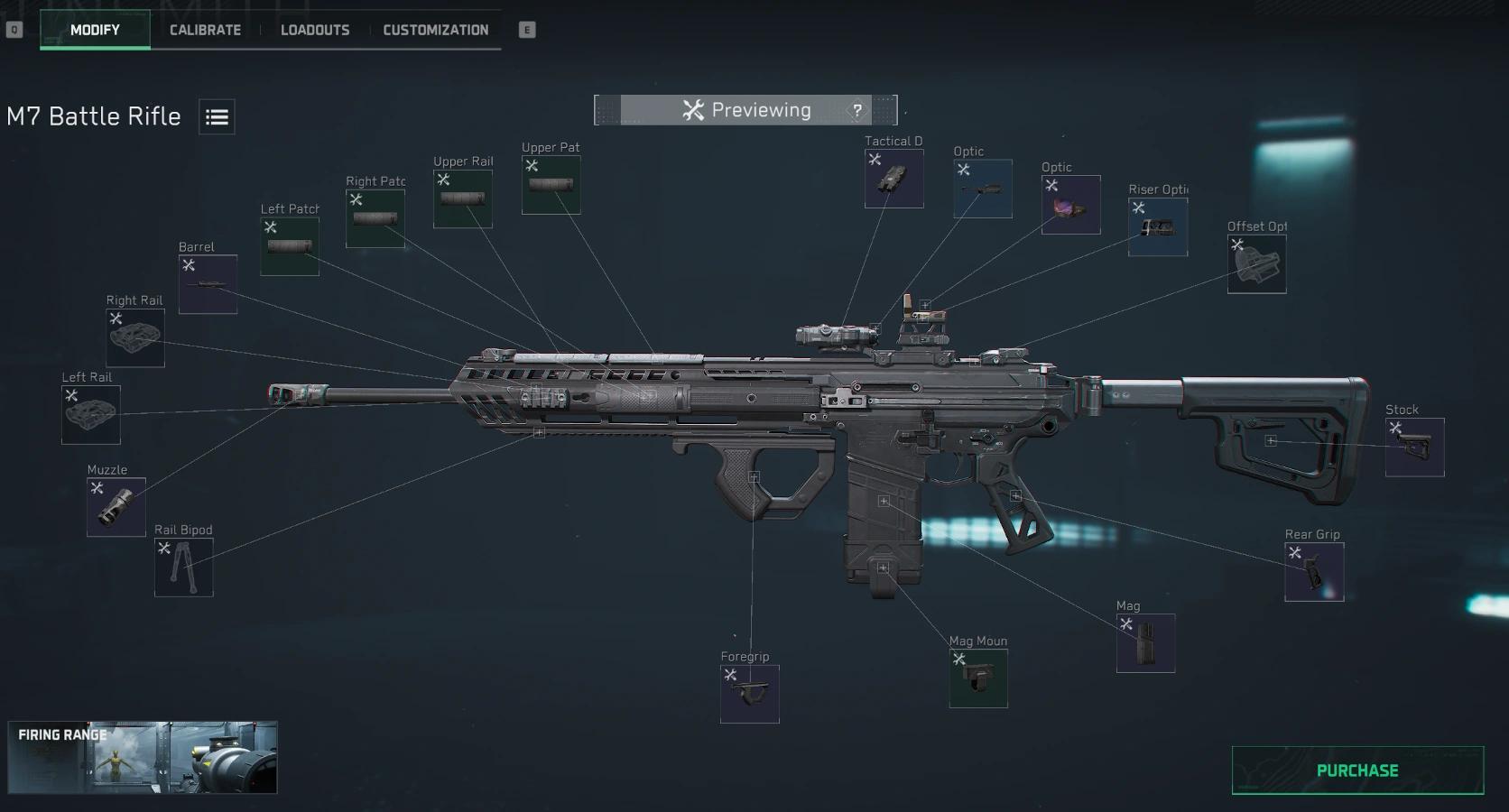
Popular Build Options
Pick the build that fits you
 600,000
CT Stock Build 1
Perfect CT stock build with maximum stability
M7 Battle Rifle-Operations-...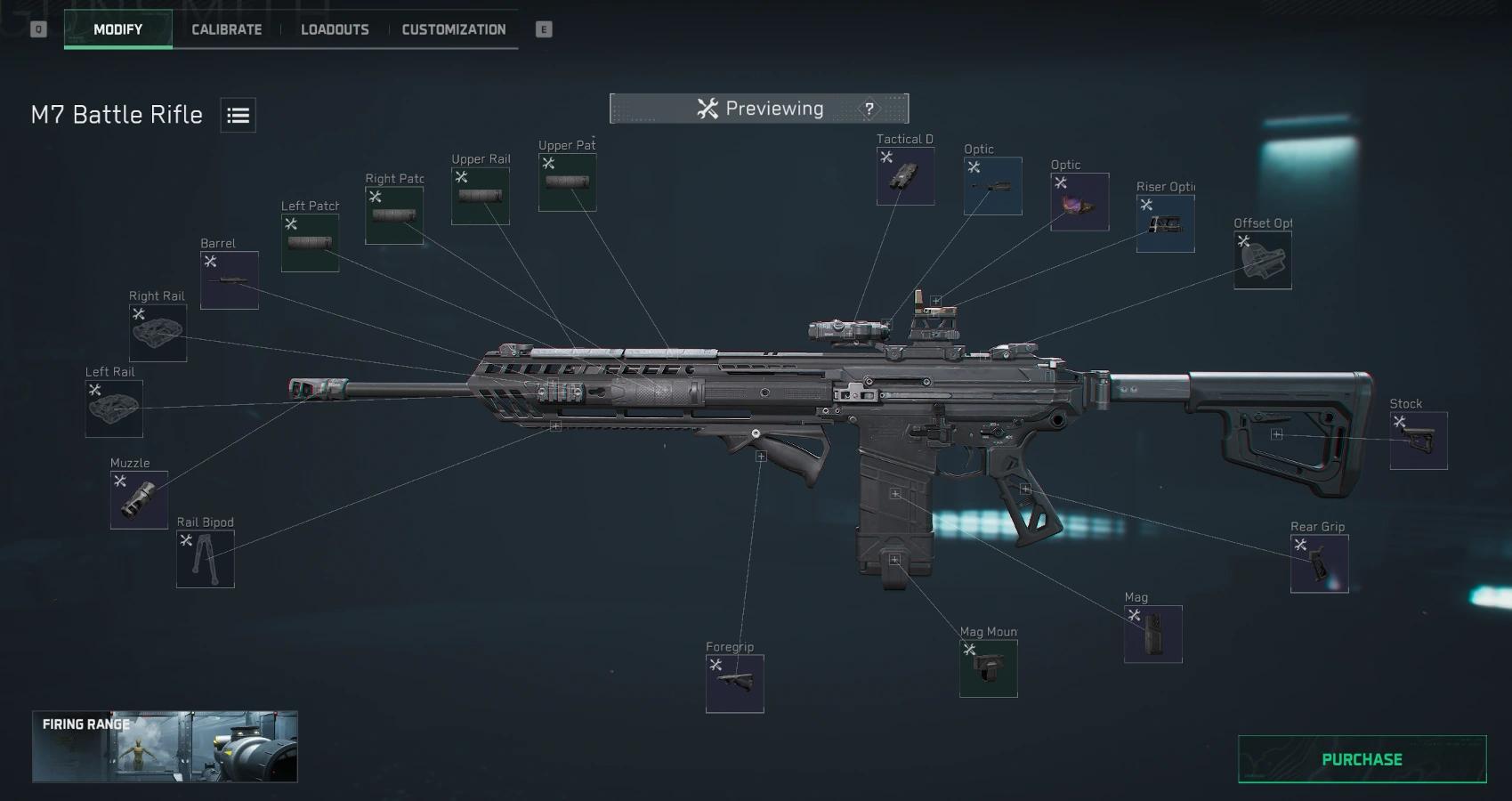 600,000
CT Stock Build 2
Alternative CT stock build with excellent performance
M7 Battle Rifle-Operations-...How to Build Your M7
Apply Your M7 Build in Three Simple Steps
Step 1 — Copy Build Code
Click the Copy Code button to copy the M7 build code to your clipboard.
Step 2 — Import in Game
Open Modify → Loadouts → Import, paste the code, and apply to your M7.
Step 3 — Purchase & Save
Purchase missing attachments in Modify, then save the loadout.
Frequently Asked Questions
Everything you need to know about mastering this weapon
Yes. Despite three Operations nerfs since Season 8, S11 tier lists still rank it SSS in Operations (two-headshot kill, accurate to long range) and SS in Warfare. It is not a value pick — builds are expensive — and the S11-buffed K437 now competes with it at the top.
May 21, 2026 (Operations): M7 Tidal Ultra-Long Barrel Combo stability +6 → +3. Season 10, June 30, 2026 (Operations): base damage 38 → 37, Tidal combo damage 40 → 39, base limb multiplier 0.4x → 0.35x. Nothing changed in S11 or the Oct 9 patch.
Different roles. M7 is the king of mid-range rifles, MK4 is a close-to-mid range SMG. If you engage at mid-to-long range often, choose M7. If you prefer aggressive close-quarters combat, choose MK4.
Use the FFC Dual-Flow Brake to significantly reduce the Z-pattern shake.
Both work well. Multi-caliber adds muzzle velocity, Whisper adds range. Choose based on your priority.
Three simple steps: 1) Click the Copy Code button on any build card above. 2) In-game, open Modify → Loadouts → Import, paste the code, and apply it to your M7. 3) Click Purchase to buy any missing attachments, then save the loadout. Done.