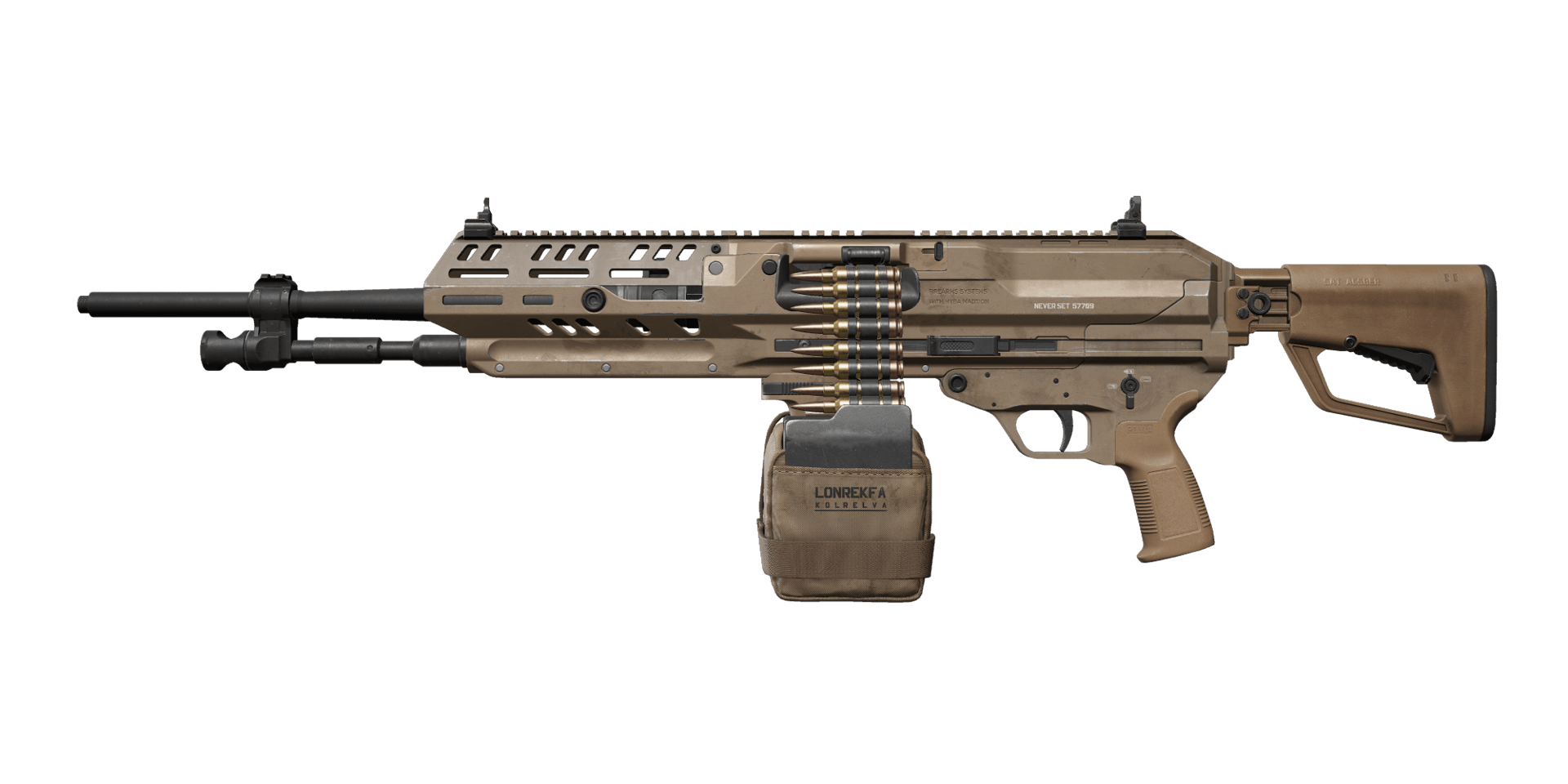
Best M249 Build for Delta Force
High armor damage, high body damage, high fire rate. Strong firepower within range. Improved firing stability and sight stability. The catch: LMG drawbacks, needs some practice. Poor at long range.
GUNSMITH CODE
Range Build — Long-Range Suppression
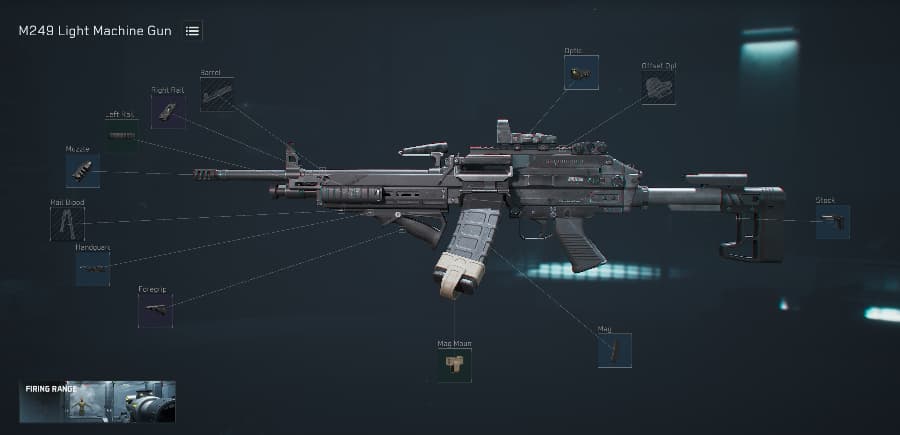
Popular Build Options
Pick the build that fits you
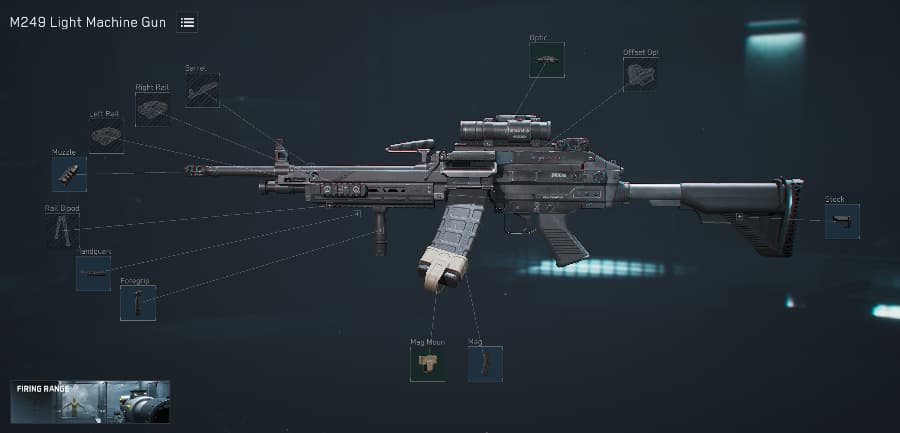
 180,000
Range Build — Long-Range Suppression
Longer range, better bullet velocity.
M249 Light Machine Gun-Oper...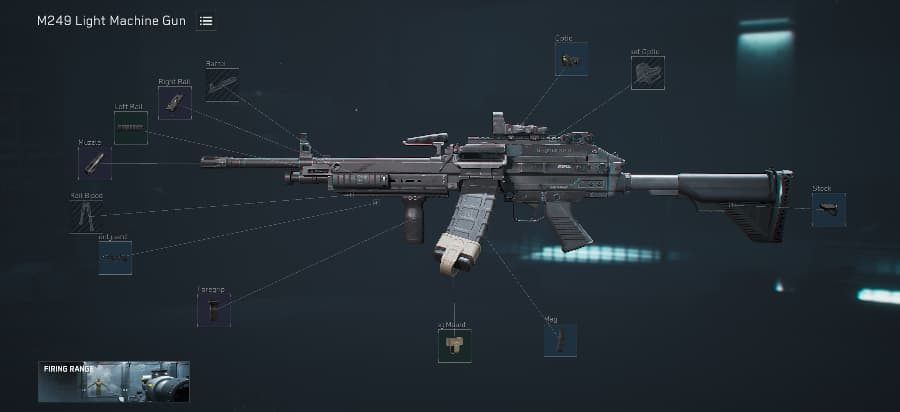 200,000
Stability Build — Low Recoil
Low recoil, easy to control. Good for beginners.
M249 Light Machine Gun-Oper...250,000Mobility Build — Faster ADS
Faster ADS and movement. Less range.
M249 Light Machine Gun-Oper...How to Build Your M249
Apply Your M249 Build in Three Simple Steps
Step 1 — Copy Build Code
Use the Copy Code button to copy the M249 build code to your clipboard for instant setup.
Step 2 — Import in Game (Modify → Loadouts → Import)
Open Modify, select Loadouts → Import, paste the copied code, and apply the loadout to your M249.
Step 3 — Purchase in Modify
Still in Modify, click Purchase to buy any missing attachments, then save the loadout to finish the build.
Frequently Asked Questions
Everything you need to know about mastering this weapon
High armor damage, high body damage, high fire rate. Strong within range. Improved firing and sight stability. Needs some practice. Poor at long range.
Stability Build. Minimal recoil, easier to track targets.
Use Mobility Build. Lighter attachments for faster ADS and movement.
Not required, but full attachments give best performance.
Three simple steps: 1) Click the Copy Code button on any build card above. 2) In-game, open Modify → Loadouts → Import, paste the code, and apply it to your M249. 3) Click Purchase to buy any missing attachments, then save the loadout. Done.